New
A new way to control your digital world
Your digital world. Under your control.
CSTMZED offers a customizable control platform that connects your digital tools, workflows, plugins and AI agents to the way you work.


Built for people who want more control over the way they work.
Launch An App

Run A Sequence

Focus Mode
Control Media
Open Workspace

Use A Plugin

Ask Ai

Paste A Template
Build your workflow around a system that adapts to you. Create controls, automate repetitive actions, connect your tools, and trigger intelligent workflows — all from one platform.
The friction of modern workflows
Too much switching. Not enough control.
Your workflow shouldn't be a constant back-and-forth between keyboard, mouse, and screen.
Your workflow. Your way.
One platform. Built around you.
CSTMZED connects your hardware, software, workflows, plugins, and AI into one customizable control system.
Your workflow, made physical.
K101 puts your most-used actions within reach, with a layout and configuration built around the way you work.
Everything you use. Connected.
Connect the tools you already use and turn them into physical controls, workflows, and automations.
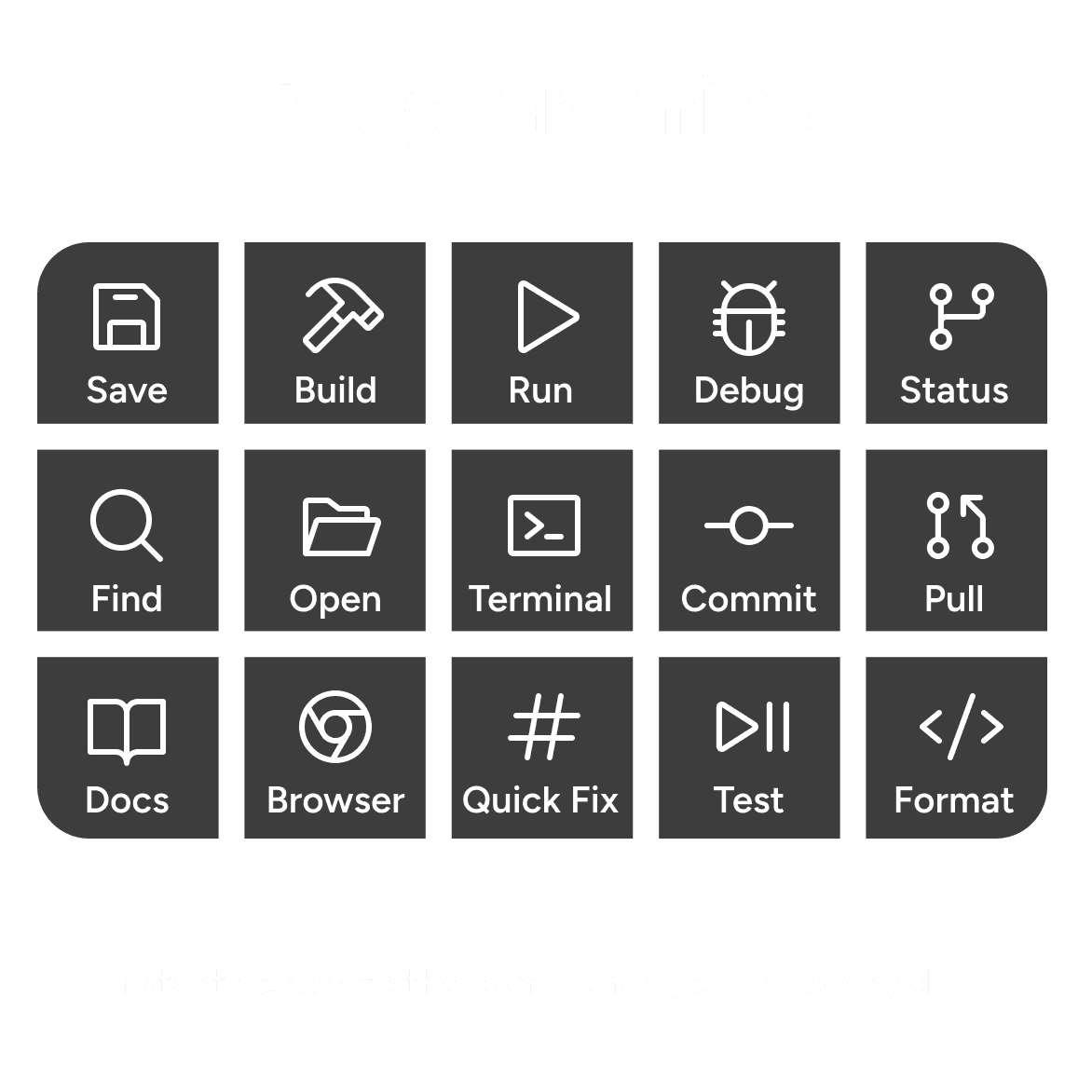
Creative


BROWSERS & CHAT
CODING


AND MORE
Workflow Examples
Seamlessly integrates with the tools you already use.

" height="57px" id="mN8w9TzSb" stroke-dasharray="0" stroke-linecap="butt" stroke-linejoin="miter" stroke-miterlimit="4" stroke-width="1" stroke="rgb(0, 0, 0)" width="1123px"/></svg>)
CSTMZED CENTER
The Software Behind Every Shortcut.
Powerful enough for professionals. Simple enough for everyone.
CSTMZED Center lets you assign shortcuts, create powerful workflows and personalize every key to match the way you work.
(Supports macOS, Windows & Linux)
Everything You Need. And More.
Assign keystrokes, text shortcuts, media controls, app launches and custom sequences to any key with CSTMZED Center.
Then expand K101 even further with official and community-built plugins, including AI agents, password managers, timers, color pickers and more.
Discover ready-made profiles from the community or share your own to inspire others
A Platform That Keeps Growing.
K101 doesn't stop at shortcuts.
Install official and community-built plugins that bring entirely new capabilities to your keypad. From AI assistants and password managers to timers, color pickers and productivity tools.
With official and community-built plugins, K101 continues to evolve, unlocking new capabilities long after it arrives on your desk.
FREE
LIFETIME ACCESS
Free Lifetime Access to premium features like Plugins and Ai Agents is available only to early supporters.

Built around you
HARDWARE CUSTOMIZATION
Choose the size, switches, keycaps and connectivity that fit your workflow, your setup and your style.
Choose your size.
From a minimal 6-key setup to an 18-key command center, choose the layout that fits the way you work.


The Sweet Spot

Ultimate Control
Make every detail yours.
Choose the switches, keycap profiles and colors that make K101 fit your workflow.
Built Around You.
Build a K101 that feels like your own. Choose from four mechanical switch types, five keycap profiles and seven colors to match your workflow, comfort and personal style.
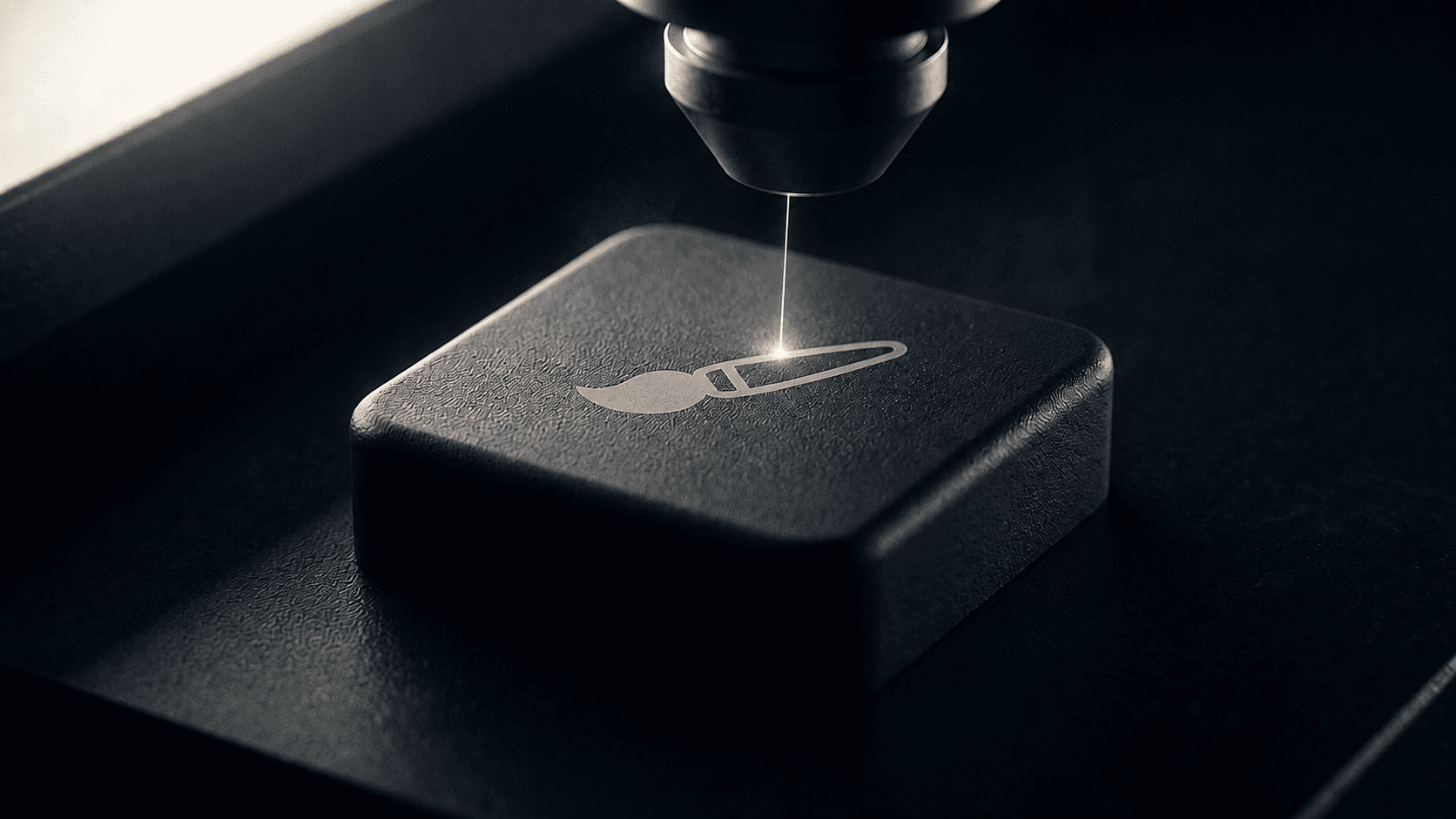
Custom Laser Etched Keycaps.
Turn every key into a reflection of your workflow. Precision laser engraving lets you personalize your keycaps with custom icons, symbols, logos, and more.
Why K101?
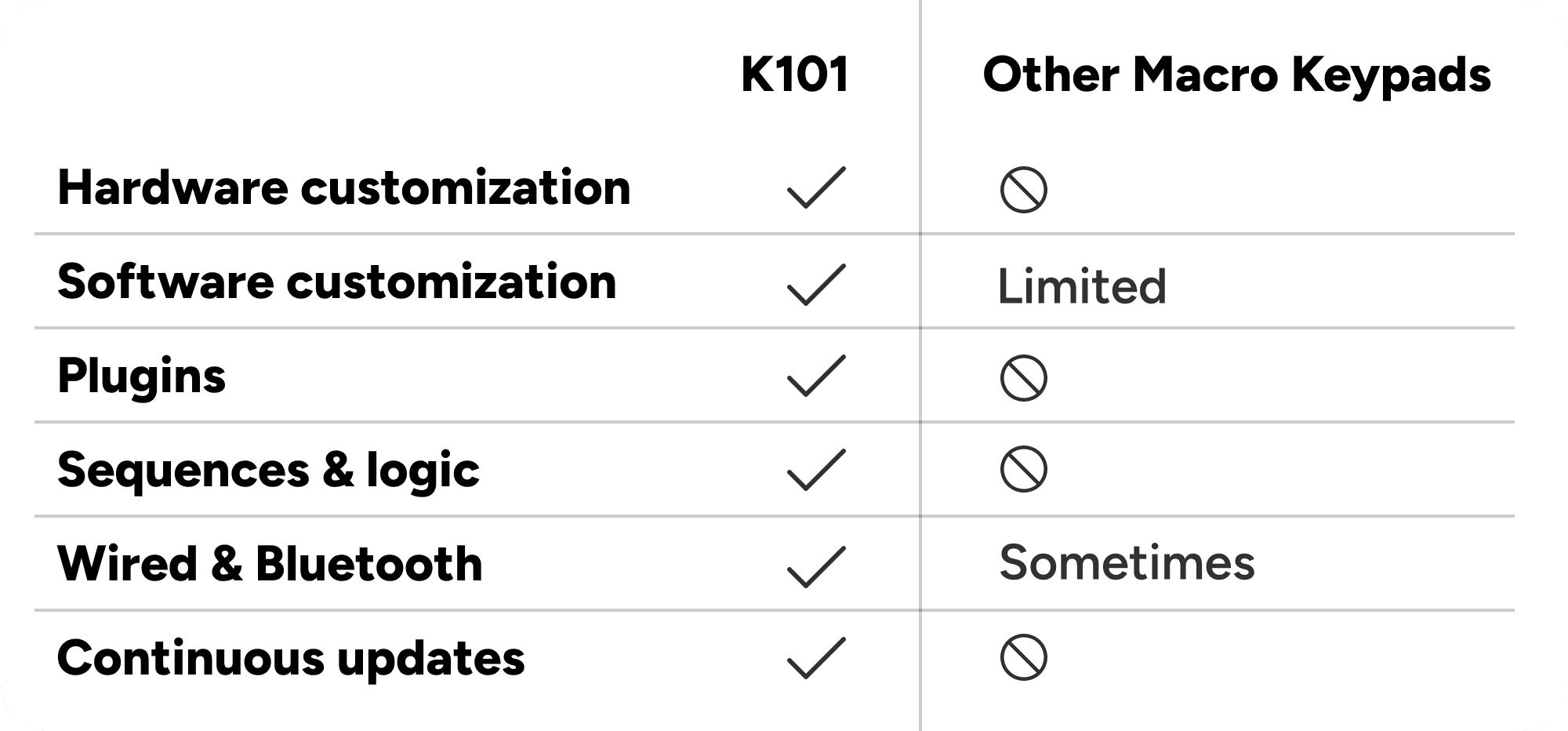
Why settle for a macro keypad that forces you to adapt? K101 combines customizable hardware, powerful software and an expanding ecosystem to fit the way you work—today and in the future.
Built to Perform. Designed to Last.
K101 is designed to improve long after it reaches your desk. CSTMZED Center delivers firmware updates, new features, plugins and community content, while efficient power management and seamless USB-C and Bluetooth connectivity keep your workflow uninterrupted.
Designed From The Ground Up.
From early concepts to polished prototypes, every detail was carefully refined.
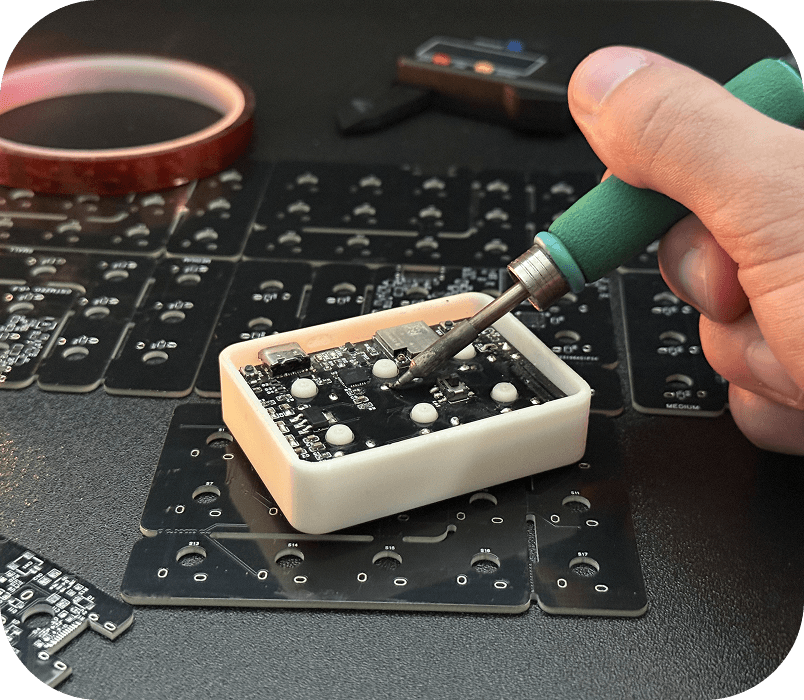

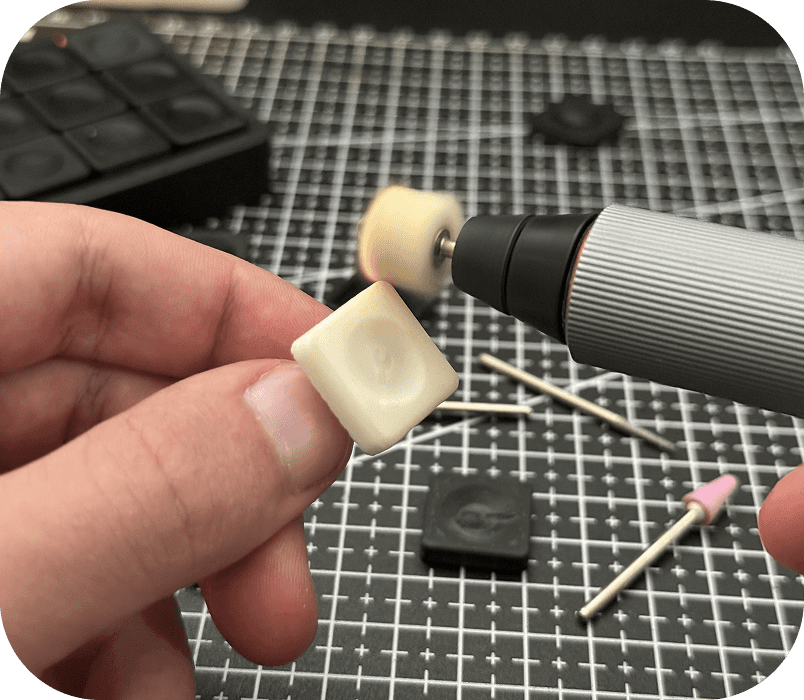

Built From a Frustration.
I wanted more control over the way I worked — so I built it.


What's In The Box.
Everything you need to connect K101 to the CSTMZED ecosystem and start building your workflow.

1. K101 Macro Keypad
2. USB-C Cable
3. CSTMZED CENTER Lifetime Access Key
4. Quick Start Guide
Common questions
Frequently asked questions
